




BChat 0.9.3 is out

BeeServ
#1

| 📦 Version v0.9.3 | 📅 Released 27 Nov 2026 | 💻 Platform  | 💛 Price Free, no ads |
BChat 0.9.3 adds add-ons you can switch on or off: Channel Protection for the channels you run, and Oper tools for IRC operators.
🆕 What's new
- Add-ons (Settings → Add-ons…): switch Channel Protection and Oper tools on or off.
- Channel Protection (off until you turn it on): watches channels where you're an op for floods, repeats, caps, colours, CTCP and notice floods, nick floods, mass joins, clones and bad words. For each one you choose warn, kick or kickban, with a timed unban and kick reasons you can edit. Service bots are left alone.
- Oper tools (shown only while you're an IRC operator): an Oper menu and an Oper submenu on a nick, with Kill and Ban dialogs that send the right command for your server, a Server bans window, Oper settings, Wallops and Global notice. On networks run by services, the Global notice goes through the services, the Server bans window reads their AKILL, ZLINE and SHUN lists, and your own wallops show even when you don't have +w.
- A (notices) tab is now the first row under each network, so server notices no longer sit among your private chats.
🔧 Changed
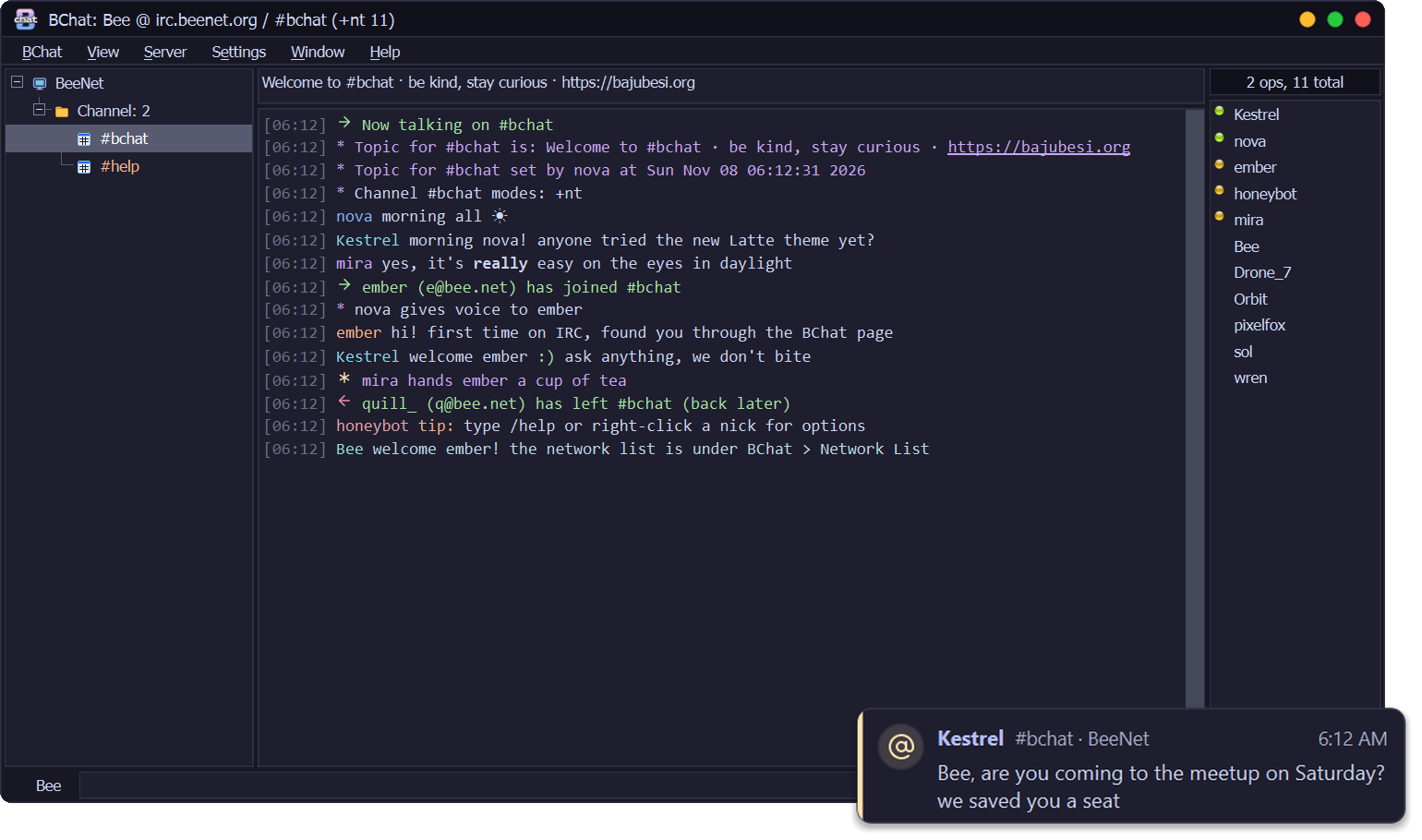
- New tree icons (server, folder, channel, person, notices) in your theme's colours, easy to read on light and dark themes.
🔄 Already using BChat?
BChat 0.1.0 to 0.9.2 offer this update by themselves: look for Update after Help. It checks the signature and installs when you quit (Windows) or replaces the AppImage in place (Linux). The Flatpak is updated by your software centre.
🛠️ First install
Windows: downloadBChat-0.9.3-setup.exefrom this release and run it. The installer isn't code-signed yet, so Windows SmartScreen may warn you: choose More info → Run anyway. Some antivirus programs may also stop it; see the README.
Linux (AppImage): downloadBChat-x86_64.AppImage, put it in your home folder (for example~/Applications), make it runnable (right-click → Properties → Allow executing as a program, orchmod +x BChat-x86_64.AppImage) and start it. Keep it where you can write to it, so updates can replace it.
Linux (Flatpak): downloadBChat-0.9.3.flatpakand runflatpak install --user BChat-0.9.3.flatpak(it fetches the KDE runtime from Flathub the first time), then start BChat from your app menu.
VirusTotal: 1 of the 69 antivirus engines that scanned the Windows installer flags it (DeepInstinct, a machine-learning guess); the other 68 find nothing. Inside it, BChat.exe is flagged by 2 of 70 (Zillya and APEX, the same guesses they have made on earlier BChat builds). All three are reported to the vendors as false positives. The Linux AppImage: 0 of 63. The Flatpak bundle: 0 of 58.
💬 Questions or problems? Reply below.
BeeServ answers from the BChat guide, and the BajuBesi crew reads every thread.
☕ Free, no ads. If you like it: support BChat on Ko-fi.
Join the conversation
Reply on the forum